In Brief
The gap between the speed shown by your car’s speedometer and the speed reported by Waze mainly comes from the intentional margin manufacturers add to the speedometer, typically around 5%. Waze, which uses GPS, often provides a measurement that’s closer to reality but can be influenced by external factors such as GPS connection or weather conditions. To avoid speeding and radar risks, it’s best to primarily rely on your car’s speedometer, which tends to overestimate slightly and feels safer. Finally, never rely on a single source and always monitor your speed in several ways.
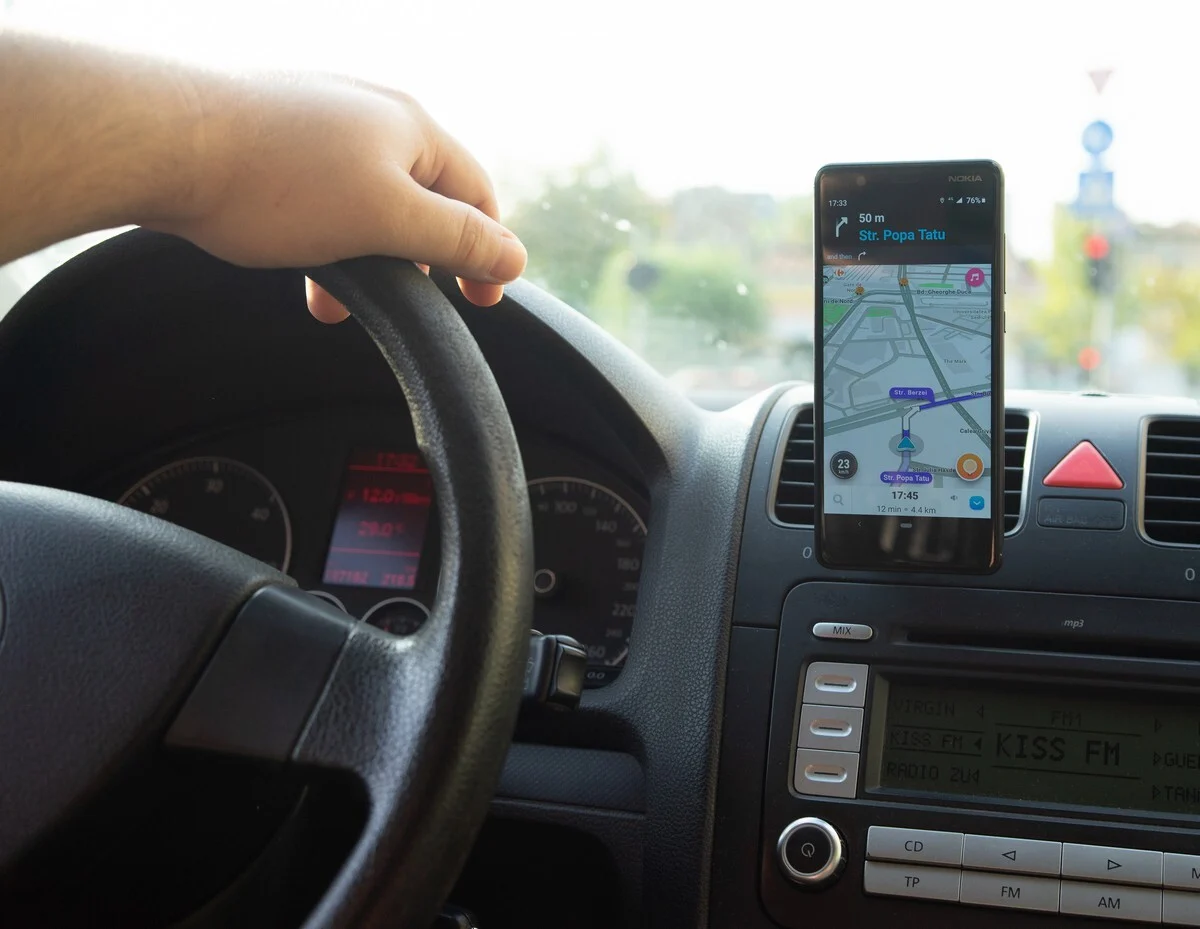
If you use Waze, you may have noticed a difference between the speed shown by your car and the speed displayed in the app. Why does this divergence occur?
Car Speedometers Often Overestimate
It’s not surprising to see a difference between the speed shown by Waze and the one on your vehicle. These two readings aren’t always the same. With the rise of radar enforcement, it’s essential to keep a close eye on your speed. So, why do these gaps exist, and how much speed do speed cameras actually account for? Several reasons explain this.
First, it’s important to know that car speedometers tend to overstate actual speed. Manufacturers typically add a margin of about 5% on top of real speed. So if your speedometer reads 90 km/h (about 56 mph), you’re actually driving a bit slower in reality. In contrast, Waze is often more accurate and displays a speed much closer to real-world speed.
However, various external factors, such as weather conditions, tire wear, or tire pressure, can influence the discrepancy between the two measurements. It’s therefore recommended to regularly check both speeds, and not rely solely on either one.
External Factors to Consider
Waze uses GPS data to calculate your vehicle’s speed, but this information isn’t always precisely accurate. Several factors can affect this estimation. For example, a faulty GPS connection, such as in tunnels or in bad weather, can lead to inaccuracies. In these situations, it’s difficult to rely solely on the data provided by Waze.
It’s therefore wise not to base your speed on a single source. To avoid getting flashed, it’s best to reference the speed shown by your car’s speedometer. With the 5% margin added by manufacturers, it’s unlikely you’ll exceed the posted limit if you maintain a consistent speed and obey restrictions. Additionally, Waze and other GPS apps also display the current speed limits for the road you’re on.
Comparison Table
| Type of Measure | Displayed Value | Accuracy | Influencing Factors |
|---|---|---|---|
| Car speedometer | 90 km/h (example) (about 56 mph) |
Overestimates by ~5% | Manufacturer margin, tire wear/pressure |
| Waze (GPS) | 84 km/h (example) (about 52 mph) |
Close to real-world speed | GPS connection, weather, tunnels |
Key Takeaways
- Automobile speedometers typically display a speed higher than reality, with a margin of about 5%.
- Waze provides a GPS-based speed reading, often closer to the real speed.
- External factors such as weather, GPS connection, or tire condition can influence the accuracy of both readings.
- It’s advisable to monitor both speeds but prioritize the speedometer to avoid radar violations.
- Exercise caution, especially in areas prone to GPS signal loss (tunnels, degraded weather).
- Waze also shows real-time speed limits along your route.
FAQ
Why does Waze’s speed differ from the car’s speedometer?
The difference stems from the margin added by manufacturers to the speedometer, usually around 5%, while Waze relies on GPS to estimate real speed.
Can you rely on Waze alone for your real speed?
No, because Waze can be affected by a poor GPS connection or adverse weather conditions.
What speed do speed cameras take into account?
Speed cameras measure real speed; it’s best to follow the speed shown on the speedometer to avoid unintentional overages.
What factors can skew the displayed speeds?
Tire wear or pressure, weather, and GPS signal quality can all distort speed readings.
Should you monitor both speeds while driving?
Yes—regularly verifying both speeds is recommended for added safety.